
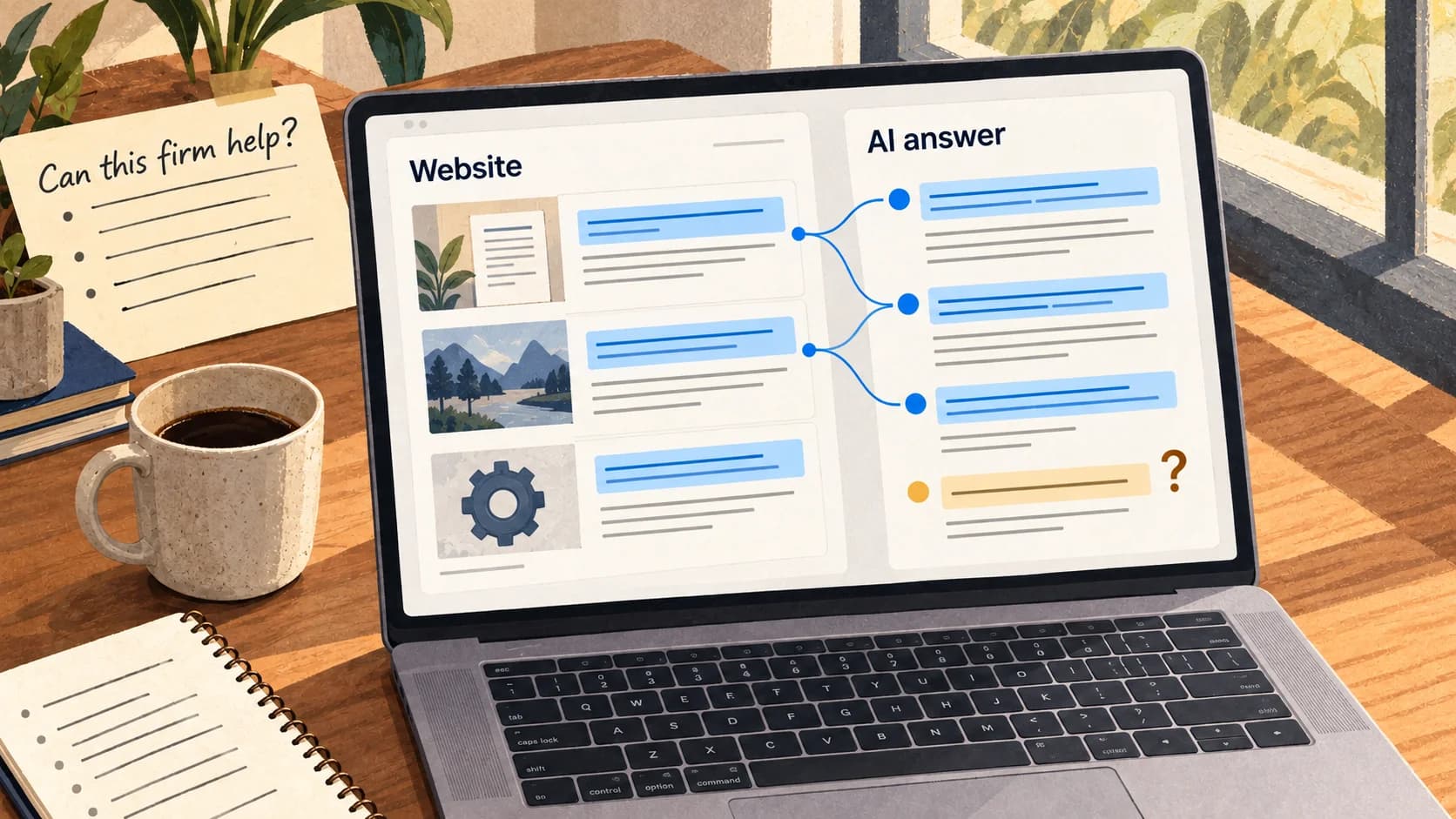
An assistant can recommend your business before a customer visits your homepage. Can it explain what you offer, recognise the limits, and stop before taking an unauthorised action?
AI agent website readiness starts with three things: clear facts, deliberate access rules, and a task you can test. Most service businesses can begin there without building a new checkout or agent platform.
Make your offer easy to check
Take one question from your sales inbox. Could an assistant answer it from your public pages without guessing?
For a document automation service, “fast, secure AI” is too vague. Publish the details that affect the buying decision:
- Scope: supported documents, workflows, and integrations.
- Requirements: sample inputs, compatibility, and human review.
- Commercial terms: published prices or what a quote depends on.
- Limits: exclusions, dependencies, and promises you cannot make yet.
- Next step: how to enquire and what information to provide.
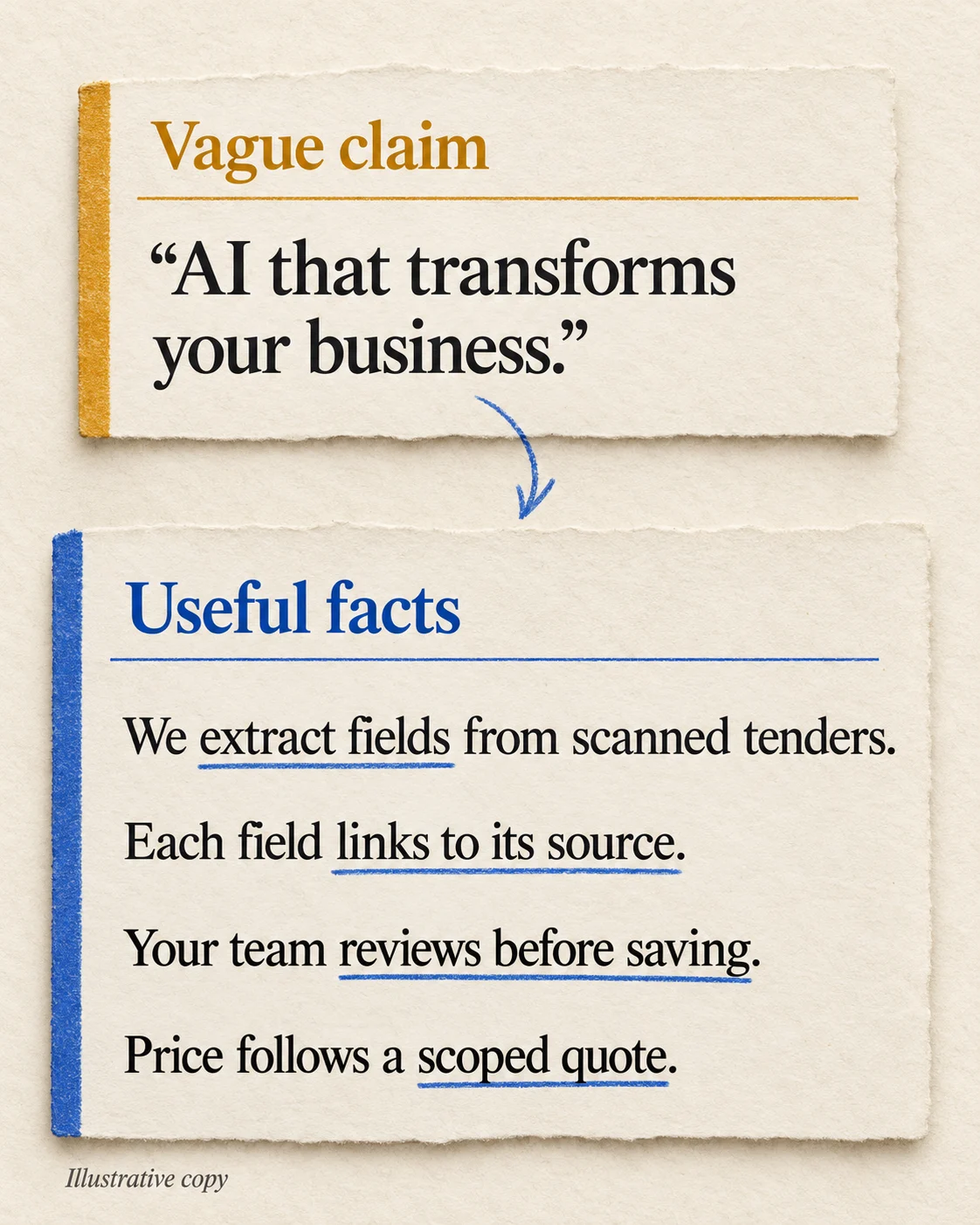
An illustrative rewrite: replace a broad promise with scope, evidence, review, and quotation terms.
Keep these facts in accessible page content. Images and PDFs can support the explanation, but essential requirements should be easy to locate and reference.
Visual design still matters. Browser agents can use page structure and screenshots, as Anthropic's browser-use documentation explains. Clear labels and usable forms help both people and assistants.
Decide what an agent may do
Reading a service page and placing an order need different controls. Write the policy for each operation before changing your bot protection.
| Task | Starting policy |
|---|---|
| Read public services and policies | Allow intended clients within usage limits |
| Read private customer files | Authenticate and enforce customer scope |
| Draft an enquiry | Prepare the text; stop before sending |
| Submit, book, or pay | Check permission for the specific action and return confirmation |
Inspect your firewall responses too. An intended assistant receiving a challenge page may be blocked accidentally. Fix that route deliberately while retaining protection for other traffic.
A robots.txt rule is not a security control. RFC 9309 distinguishes crawler instructions from access authorisation. Private information needs enforced permissions.
A claimed agent name is not proof of identity either. Cloudflare's Web Bot Auth describes signed requests for supported clients. Even verified identity does not establish a customer's permission to spend money or change a booking.
For write operations, test recovery as well as approval. A lost response must not create a duplicate order when retried. Our durable AI agents guide covers that boundary.
How this applies to a service business
On SupaMakers, the intended task is to research our services and prepare an enquiry. Private client work and autonomous purchasing sit outside that public interface. Our access documentation explains the boundary.
Your site needs the same clarity: what can a buyer learn, what can an assistant prepare, and which step needs a person? Test those outcomes rather than counting technical interfaces.
Do you need MCP, llms.txt, or special SEO?
Begin with accurate HTML, working links, and relevant structured data that matches the page. Add Markdown, OpenAPI, or MCP when a specific client will use it, then check that it agrees with your public content.
For Google's AI Overviews and AI Mode, Search Central says existing SEO fundamentals apply. No special AI text file or special schema is required for those features. Other agents and commerce platforms have their own requirements.
Run one useful test this week
Choose a browsing-enabled assistant. Replace the two placeholders below with your website URL and one real question from a prospective customer. Use public information only.
Use this website: [your website URL]
A prospective customer asks: [real buying question]

Can this business help? Explain the fit, required inputs,
price or quote process, and next step.
Cite the page supporting each answer.
Mark anything you cannot find as unknown.
Draft an enquiry. Do not send it or upload anything.
Compare the answer with what your sales team would say. Then choose the first fix:
- Wrong or missing facts? Make the answer explicit on the relevant service page.
- An invented price or promise? State what is confirmed and what needs a quote.
- A page it cannot open? Ask your web team to check the intended access policy and any bot challenge.
- An enquiry sent without approval? Stop that flow and review its permissions before using it again.
Save the answer, make one change, and repeat the same question. You are looking for accurate answers, useful sources, and a draft that stays unsent. One run is a diagnostic, not proof that every agent will behave the same way.
If your site supports bookings, payments, or private accounts, involve your engineering team for permission and retry tests in an authorised sandbox. The public-page check above does not assess those controls.


