
Answer first
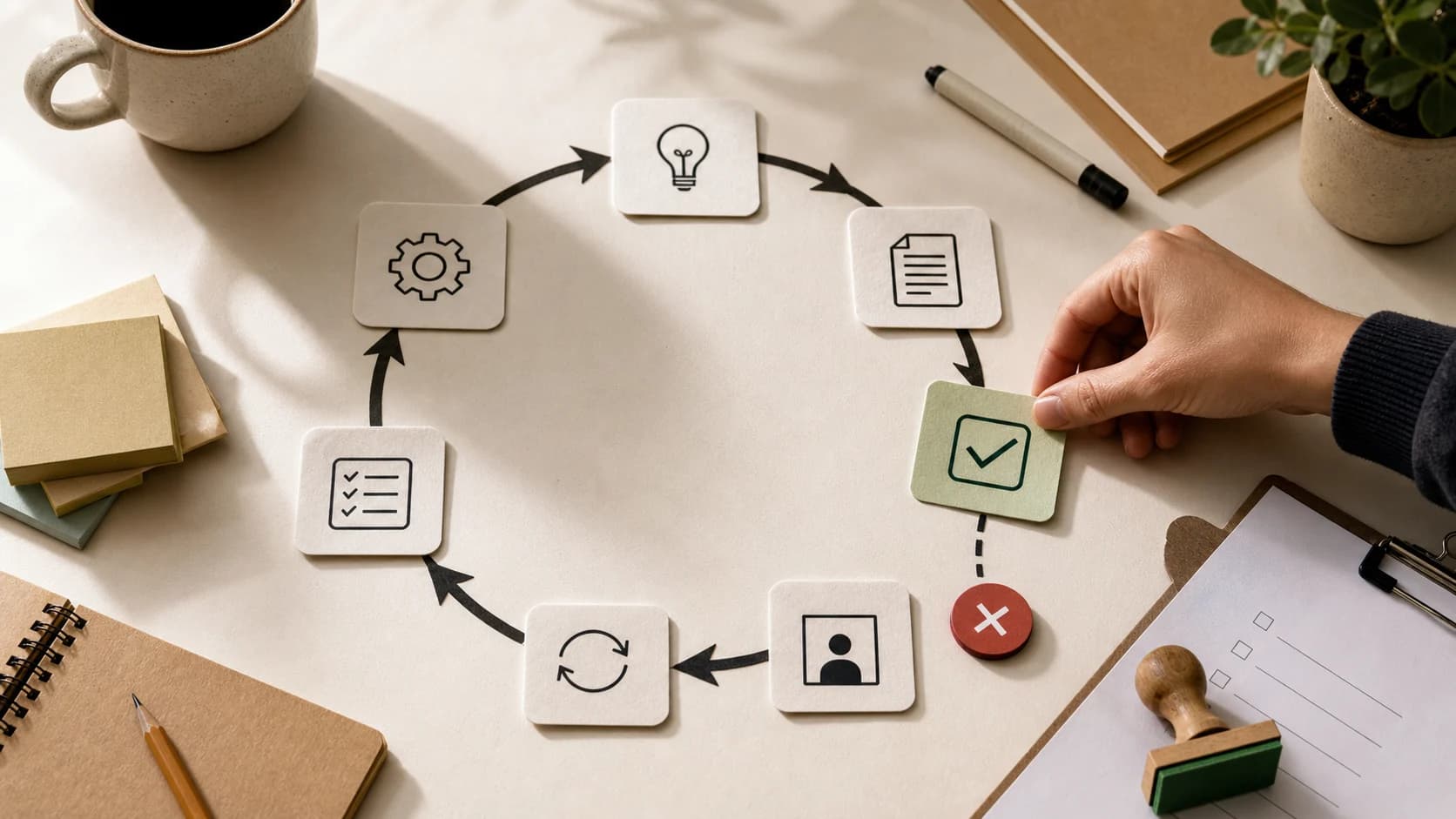
An agentic loop is an AI workflow where an agent acts, observes the result, evaluates progress, and repeats until a stop condition is met. The pattern is useful for code review, testing, evaluation, research refinement, and other jobs with clear feedback. It is risky for open-ended product building, strategy, design, and creative work where the agent has to invent the quality bar as it goes.
Why Agentic Loops Are Suddenly Everywhere
The phrase agentic loop sounds more advanced than it is.
At the simplest level, it means:
- The agent tries something.
- The system observes the result.
- A verifier, test, critic, user, or rule gives feedback.
- The agent revises or takes another action.
- The loop continues until it is accepted, blocked, or stopped.
That structure is not new.
The 2022 ReAct paper explored language models that interleave reasoning and actions, so the model can update its plan by interacting with external sources and environments. Modern agent systems use the same broad idea: think, act, observe, adjust.
What is new in 2026 is that coding agents, tool-calling agents, and workflow runtimes make this loop feel practical. A founder can ask an agent to build a feature, run tests, read errors, fix bugs, open a pull request, read review comments, and try again.
That is powerful.
It is also where teams get into trouble.
The problem is not looping. The problem is looping without a reliable signal.
What Is an Agentic Loop?
An agentic loop is a repeated cycle where an AI agent uses feedback from the environment to decide the next step.
The loop usually has five parts:
| Part | Question it answers |
|---|---|
| Goal | What is the agent trying to achieve? |
| Action | What can the agent do? |
| Observation | What happened after the action? |
| Evaluation | Is the output good enough or is more work needed? |
| Stop condition | When should the loop end? |
A useful loop is not just "keep working until done."
That instruction is too vague.
A useful loop has an explicit definition of done, a maximum budget, a bounded tool set, and a way to escalate when the agent cannot make progress.
Google Cloud's agentic AI design pattern guide describes a loop agent pattern where a sequence repeats until a termination condition is met, such as a maximum number of iterations or a custom state. The same guide warns that poorly defined exit conditions can lead to infinite loops, excessive operational cost, high resource usage, and system hangs.
That warning is the whole topic.
Agentic Loop vs Human-in-the-Loop
The current debate is often framed incorrectly.
People ask:
Should the agent loop by itself, or should the human stay in the loop?
The better question is:
Where is the feedback signal strongest?
If the feedback signal is deterministic, the system can loop safely.
If the feedback signal depends on taste, strategy, customer insight, business judgment, or product direction, the human should remain close.
| Work type | Better default | Why |
|---|---|---|
| Unit test repair | Agentic loop | Tests provide a clear pass or fail signal |
| Pull request cleanup | Agentic loop with limits | Review comments and CI create a bounded target |
| SEO template generation | Agentic loop with validation | Structure, metadata, links, and checks can be scored |
| Product feature design | Human-in-the-loop | The agent cannot infer all product judgment from a prompt |
| Landing page taste | Human-in-the-loop | The quality bar is visual, strategic, and context-heavy |
| Customer-facing email | Human approval gate | Tone and risk matter before sending |
| Database migration | Human approval gate | Side effects can be expensive or irreversible |
This is why "loop everything" is bad advice.
The most useful AI systems do not remove humans from every loop. They move humans to the places where judgment matters most.
That is also the core idea behind our broader guide to AI agent workflows that do not break in production: autonomy is useful only when the surrounding workflow can be inspected, paused, corrected, and recovered.
The Trap: Open-Ended Loops Create Fast Assumptions
Imagine hiring a developer and saying:
Build the whole product. Do not ask me anything until it is finished.
That developer will make assumptions.
Some will be reasonable. Some will be wrong. Some will conflict with what you meant but never wrote down.
An AI agent does the same thing, only faster.
When you give an agent a large product brief and tell it to keep looping until the app is built, it has to decide hundreds of details:
- information architecture
- empty states
- error behavior
- edge cases
- UI density
- database shape
- naming
- routing
- permissions
- pricing logic
- onboarding flow
- success criteria
- test coverage
Even a strong product requirements document will not fully encode the taste, constraints, history, and tradeoffs inside a founder's head.
So the agent fills the gaps.
That is acceptable for disposable prototypes. It is dangerous for serious product work.
You do not get a finished product. You get a pile of assumptions wrapped in code.
When Agentic Loops Work
Agentic loops work best when four conditions are true.
1. The Goal Is Narrow
"Improve this pull request until CI passes" is narrow.
"Build a SaaS product" is not.
The loop should operate on a small surface area. The wider the scope, the more the agent has to invent.
2. The Feedback Is Explicit
Good loop feedback looks like:
- test passed or failed
- schema validation passed or failed
- score is above or below threshold
- lint error on this file
- missing citation
- broken link
- accessibility violation
- security finding
- human review comment
Bad loop feedback looks like:
- make it better
- keep going
- make it enterprise-grade
- make it beautiful
- make no mistakes
Those are not stop conditions. They are vibes.
3. The Cost of Repetition Is Acceptable
Every loop spends something:
- tokens
- time
- API calls
- tool executions
- CI minutes
- database reads
- browser sessions
- human review time
The Anthropic guide to effective agents describes evaluator-optimizer workflows as a pattern where one model generates and another evaluates in a loop. It also makes the important constraint clear: the workflow works best when there are clear evaluation criteria and iterative refinement provides measurable value.
No measurable value, no loop.
4. The Loop Has a Stop Rule
A loop should stop when:
- the evaluator approves
- the test suite passes
- the score crosses a threshold
- the max iteration count is reached
- the cost budget is reached
- the same error repeats
- a human approval is required
- the agent reports that the goal is blocked
OpenAI's agent guidance frames guardrails and human review as controls that define when a run should continue, pause, or stop. That is exactly the mindset agentic loops need.
The LOOP Test
Before you let an AI agent run in a loop, use the LOOP test.
| Letter | Test | Pass condition |
|---|---|---|
| L | Limit | The loop has a max iteration, time, and cost budget |
| O | Objective | The goal is narrow enough to inspect |
| O | Oracle | There is a verifier that can judge progress |
| P | Pause | The loop can pause for human approval or escalation |
If any of those are missing, do not run the loop autonomously.
Run a shorter agent task, inspect the result, and decide the next move yourself.
A Good Agentic Loop Example: Code Review
Code review is one of the clearest places where loops make sense.
The workflow can look like this:
- The coding agent makes a change.
- CI runs tests, linting, and type checks.
- A review agent comments on the pull request.
- The coding agent reads review comments.
- The agent fixes the specific issues.
- The branch is pushed again.
- The loop stops when CI passes and review score reaches the threshold.
- A human approves the pull request before merge.
This works because the loop has strong feedback.
The agent is not deciding whether the product should exist. It is resolving a bounded set of issues.
Even then, the loop should have limits.
If the agent touches too many files, gets the same review twice, or cannot improve the score after a few attempts, stop and ask a human. Otherwise the loop becomes expensive theatre.
A Weak Agentic Loop Example: Build My Startup
Now compare that with:
Build me a startup. Keep going until it is ready.
This fails the LOOP test.
There is no narrow objective. There is no oracle. There is no product feedback from customers. There is no taste gate. There is no meaningful stop condition.
The agent can generate code, pages, tables, auth flows, dashboards, pricing screens, and placeholder data.
But it cannot know:
- whether the offer is compelling
- whether the workflow matches a real buyer
- whether the first screen should exist
- whether the product should be simpler
- whether the UX feels trustworthy
- whether the user would pay
- whether the founder's actual insight is represented
This is where founders confuse motion with signal.
The agent is busy. The product is not necessarily getting better.
For early-stage product work, a tighter loop is better:
- Build one screen or one workflow.
- Review it yourself.
- Put it in front of a real user.
- Capture the objection.
- Turn that objection into the next task.
- Let the agent execute that task.
- Repeat.
That is still a loop.
It is just a human-led product loop instead of an autonomous token-burning loop.
For early product work, this pairs better with a focused build process like shipping an AI MVP in two weeks than with a single open-ended loop that tries to complete the whole company in one run.
A Practical Agentic Loop Architecture
For production systems, the loop should be software, not just a prompt.
A reliable loop needs these layers:
1. State
The system should know:
- current iteration
- goal
- prior attempts
- accepted changes
- rejected changes
- reviewer feedback
- tool results
- errors
- cost so far
- stop reason
Do not rely on the model to remember the loop.
LangGraph's documentation is useful here because it emphasizes durable execution, persistence, memory, human-in-the-loop control, and debugging for long-running stateful agents. The principle matters even if you do not use LangGraph: the workflow state should live outside the model.
2. Tools
Loops need narrow tools.
Bad:
fix_everything()
Better:
run_tests()
read_pr_review()
apply_patch_to_file()
check_links()
request_human_approval()
Each tool should have typed inputs, useful errors, audit logs, and permission boundaries.
Anthropic's guidance on writing tools for agents recommends simple looped evaluation agents for tool-testing tasks, while tracking runtime, tool calls, token consumption, and tool errors. That is a useful production habit: measure the loop, not only the final answer.
3. Evaluator
The evaluator can be:
- deterministic code
- a test suite
- a schema validator
- a security scanner
- an LLM critic
- a human reviewer
- a weighted scorecard
The more subjective the work, the more careful you need to be.
An LLM can critique writing, summarize code review comments, or compare an output against a rubric. But if the quality bar is strategic, the evaluator should include a human.
4. Stop Policy
Every loop needs an explicit stop policy.
Examples:
- stop after five iterations
- stop after $2 of model/tool cost
- stop after 20 minutes
- stop if the same error appears twice
- stop if the diff exceeds 1,000 lines
- stop if a tool requests approval
- stop if confidence drops below threshold
- stop if the verifier cannot explain the failure
This is how you prevent a loop from becoming a slot machine.
5. Observability
If the loop matters, trace it.
At minimum, log:
- prompt or prompt hash
- model used
- tool calls
- tool inputs and outputs
- evaluation result
- iteration count
- latency
- token usage
- cost estimate
- human approval decisions
- final stop reason
OpenAI's Agents SDK includes tracing concepts for recording agent runs, tool calls, generated items, handoffs, and other workflow events. Databricks' 2026 agent system guidance makes the same operational point from a platform perspective: agent systems need logging, observability, evaluation, error handling, fallback logic, and cost control.
That is the difference between an impressive demo and a system you can operate.
For the surrounding architecture patterns, see our related guide to production-ready AI agents, which covers tool boundaries, graceful degradation, and deployment tradeoffs.
Where Human Approval Belongs
Human-in-the-loop does not mean a person has to micromanage every step.
It means a person appears where judgment or risk changes the outcome.
Use human approval when the agent will:
- send a customer-facing message
- merge production code
- run a database migration
- change pricing
- modify access permissions
- delete or overwrite data
- spend money
- publish content under the company brand
- make a legal, financial, or compliance-sensitive recommendation
OpenAI's human-in-the-loop documentation describes workflows where execution pauses until a person approves or rejects sensitive tool calls, with run state that can be serialized and resumed. That pause-and-resume pattern is the right mental model for serious agentic loops.
Autonomy should be earned by the strength of the guardrails, not granted by the excitement of the demo.
The Best Use Cases for Agentic Loops in 2026
Agentic loops are worth using now for:
- code review cleanup
- test repair
- documentation checks
- link checking and metadata repair
- data quality validation
- research completeness checks
- prompt and tool evaluation
- accessibility audits
- SEO template QA
- report generation against a rubric
- customer support draft refinement before approval
- compliance checklist completion
The common pattern is simple:
There is a known target, a repeatable verifier, and a safe stopping rule.
Use agentic loops there.
For everything else, use smaller tasks and keep a human close.
FAQ: Agentic Loops
What is an agentic loop?
An agentic loop is an AI workflow where an agent acts, observes the result, evaluates whether it is closer to the goal, and repeats until it reaches a stop condition. The loop may use tools, tests, guardrails, a critic model, or human feedback.
Are agentic loops the same as autonomous agents?
Not exactly. An autonomous agent may use an agentic loop, but the loop is only the control pattern. A safe loop still needs goals, tools, state, evaluation, limits, and escalation. Autonomy without those controls is just repeated guessing.
When should you use an agentic loop?
Use an agentic loop when the goal is narrow, the evaluator is clear, repetition has measurable value, and the loop can stop safely. Good examples include test repair, pull request cleanup, metadata QA, link checks, research completeness checks, and report generation against a rubric.
When should you avoid agentic loops?
Avoid autonomous loops when the quality bar is subjective, strategic, visual, customer-specific, or risky. Product direction, brand tone, pricing, UX judgment, irreversible data changes, and customer-facing actions should keep a human approval gate.
The Bottom Line
Agentic loops are real.
They are not magic.
They are a useful engineering pattern when the loop is bounded, observable, and judged by a strong evaluator.
They become expensive guessing when the goal is broad, the quality bar is implicit, and the stop condition is "keep going until it feels done."
For founders and product teams, the practical rule is:
Let agents loop on execution. Keep humans in the loop for direction.
That is how you get speed without handing product judgment to a stochastic process.
Primary Sources and Further Reading
- Anthropic: Building Effective Agents for evaluator-optimizer workflows and when iterative refinement is worth using.
- Google Cloud: Choose a design pattern for your agentic AI system for loop agent patterns, review-and-critique patterns, and termination-condition risks.
- OpenAI: Guardrails and human review for using automatic checks and human approvals to decide when an agent run should continue, pause, or stop.
- OpenAI Agents SDK: Human-in-the-loop for pause, approve, reject, serialize, and resume patterns around sensitive tool calls.
- OpenAI Agents SDK: Guardrails for input, output, and tool guardrails.
- LangGraph overview for long-running stateful agents, persistence, human-in-the-loop control, and debugging.
- Databricks: Agent system design patterns for 2026 guidance on starting simple, adding complexity gradually, observability, evaluation, and cost control.
- Anthropic: Writing effective tools for AI agents for practical evaluation-loop guidance and tool-call measurement.
- ReAct: Synergizing Reasoning and Acting in Language Models for the research foundation behind interleaving reasoning, actions, and observations.


